Friday, September 16, 2011

Robotics

1- Programming Activity
Through simple commands, guide your instructor in making a sandwich.

2- Technical Sketching #2
Moving on from straight lines to simple illustrations

3- Completing your Jitterbugs
Try to complete your jitterbugs today.

Yearbook


1- Photo Evaluation
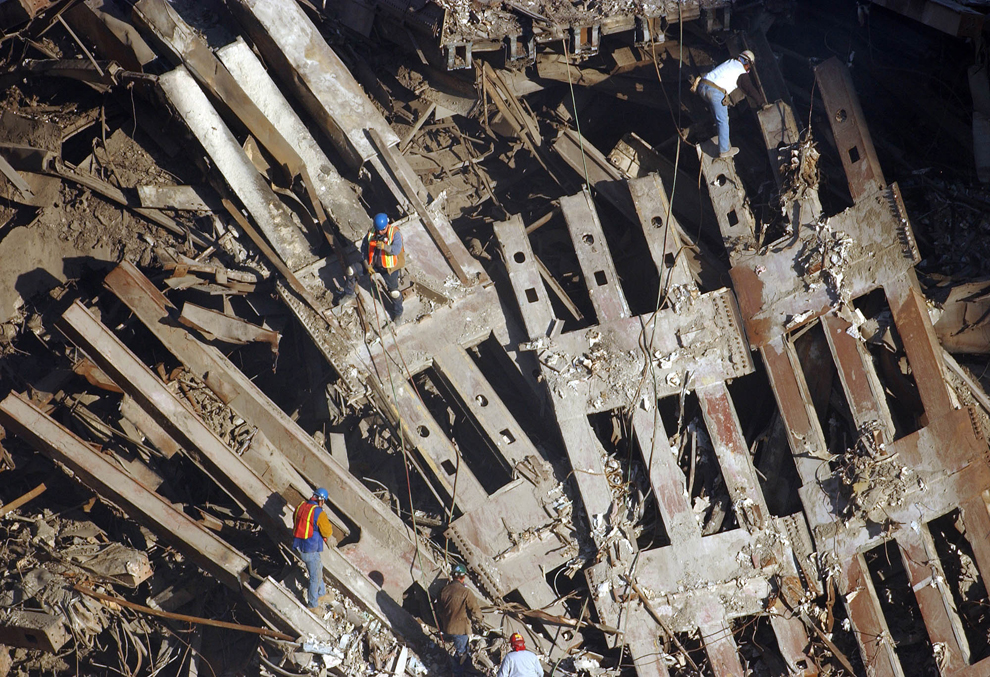
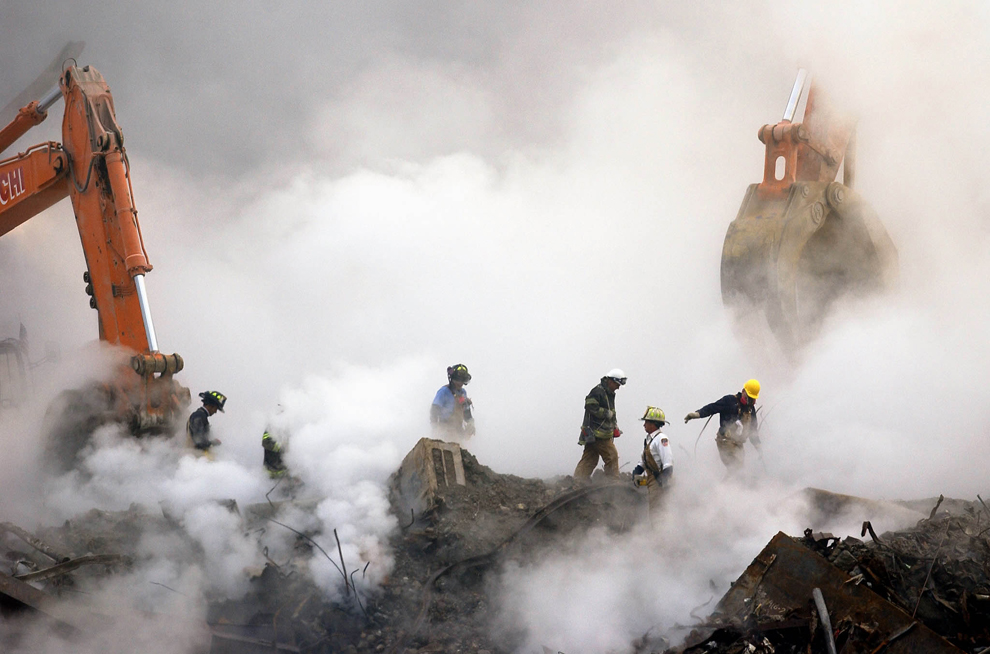
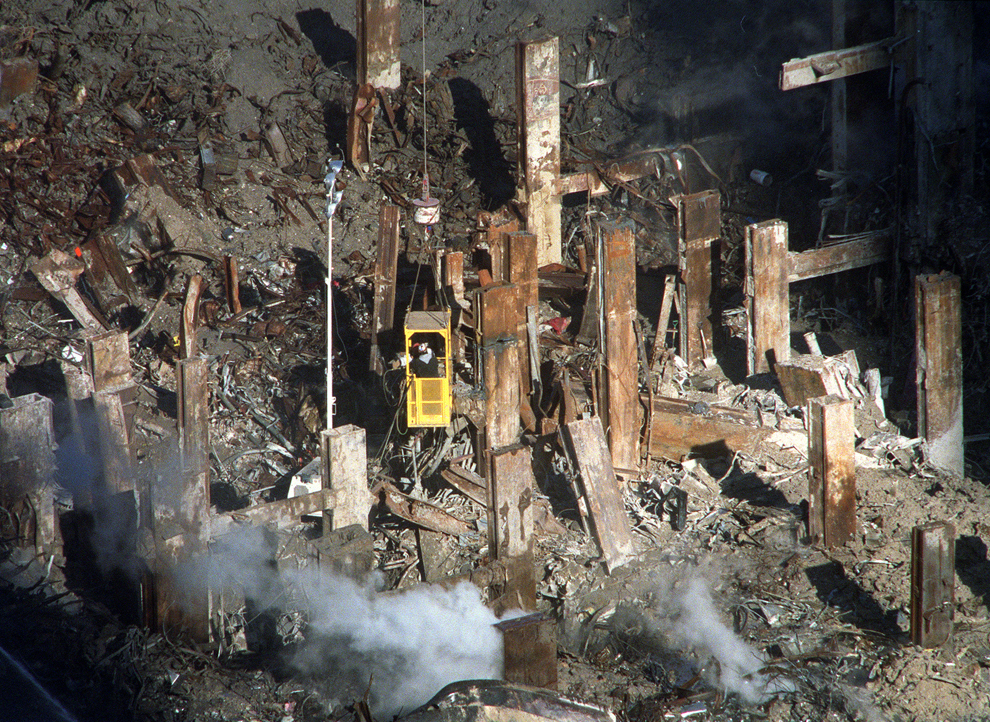
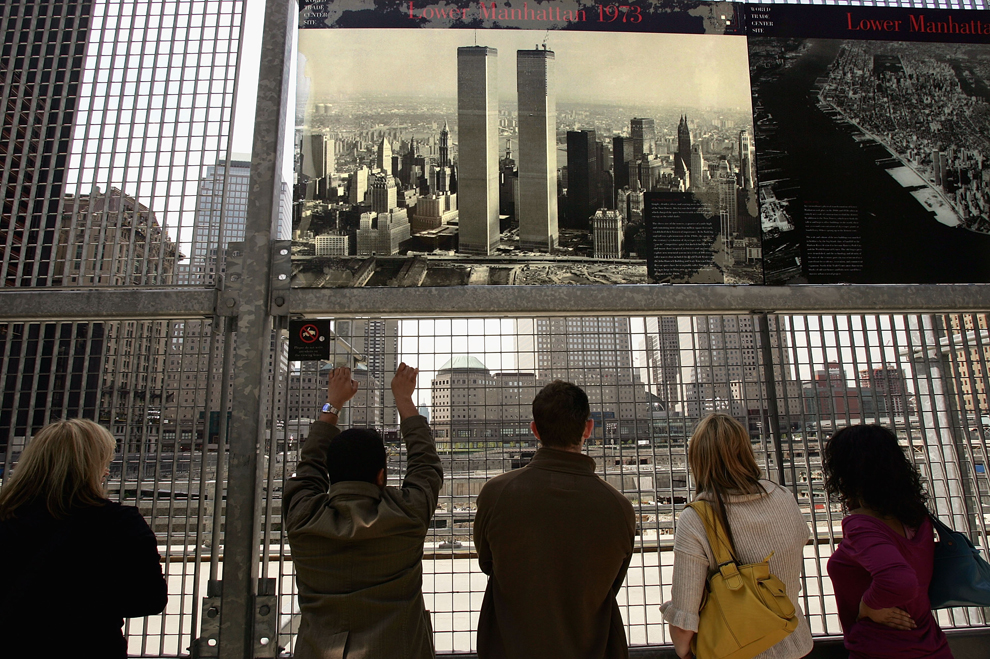
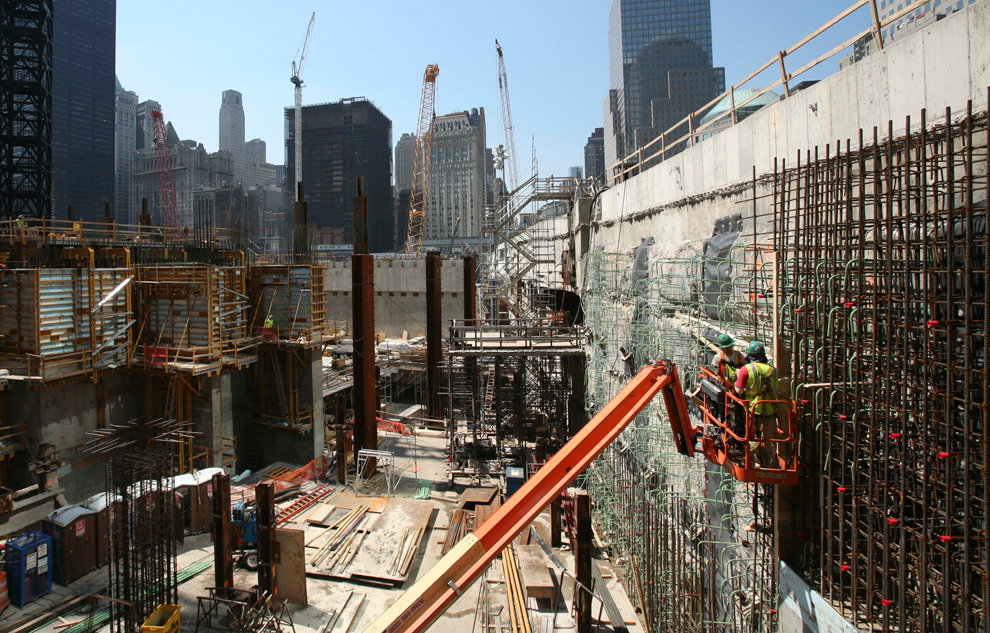
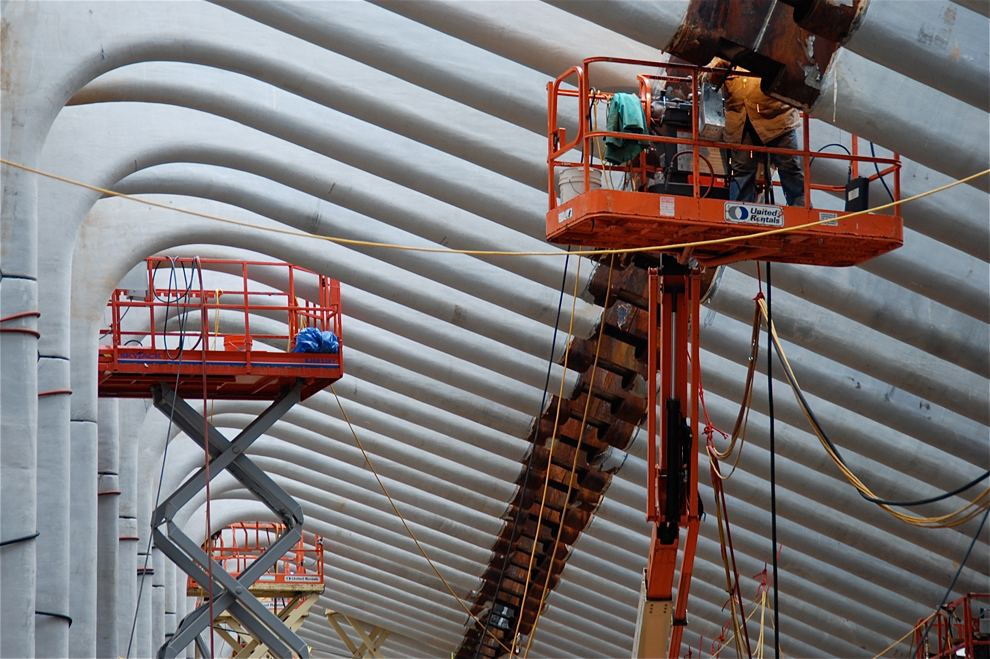
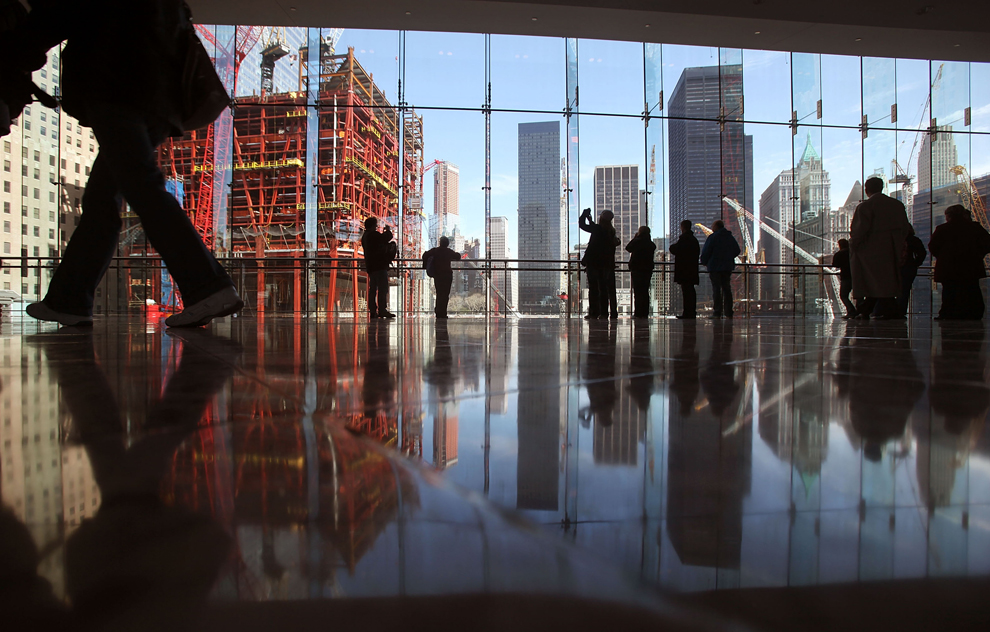
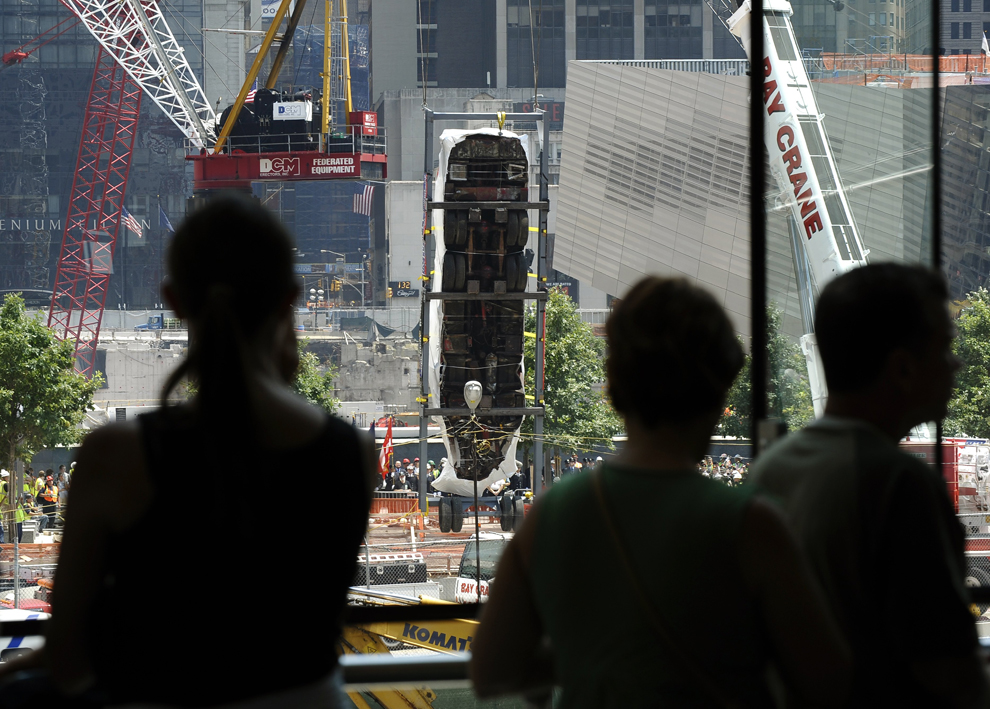
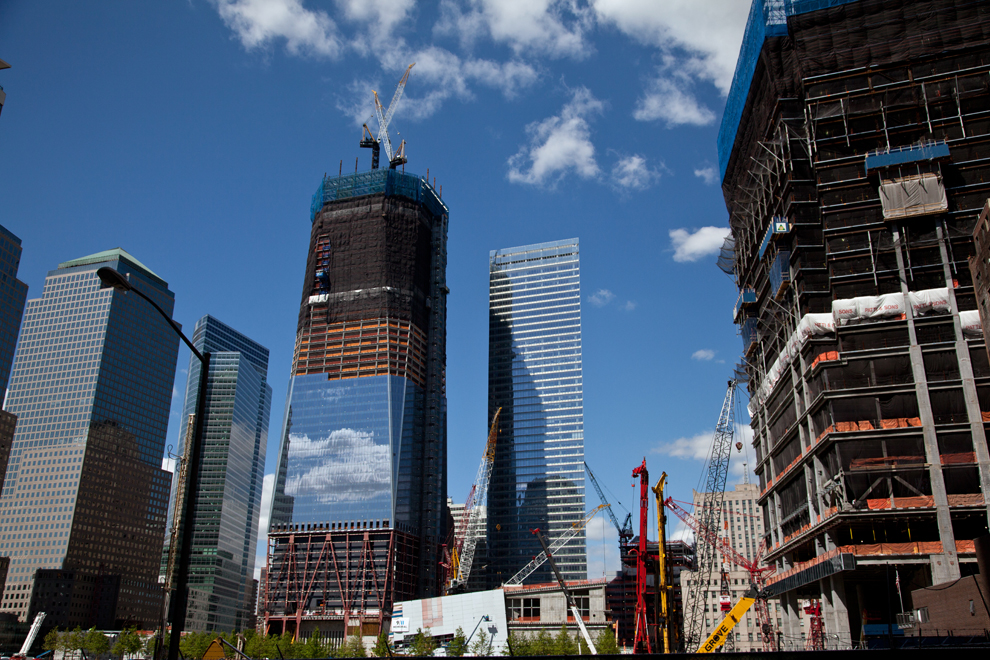
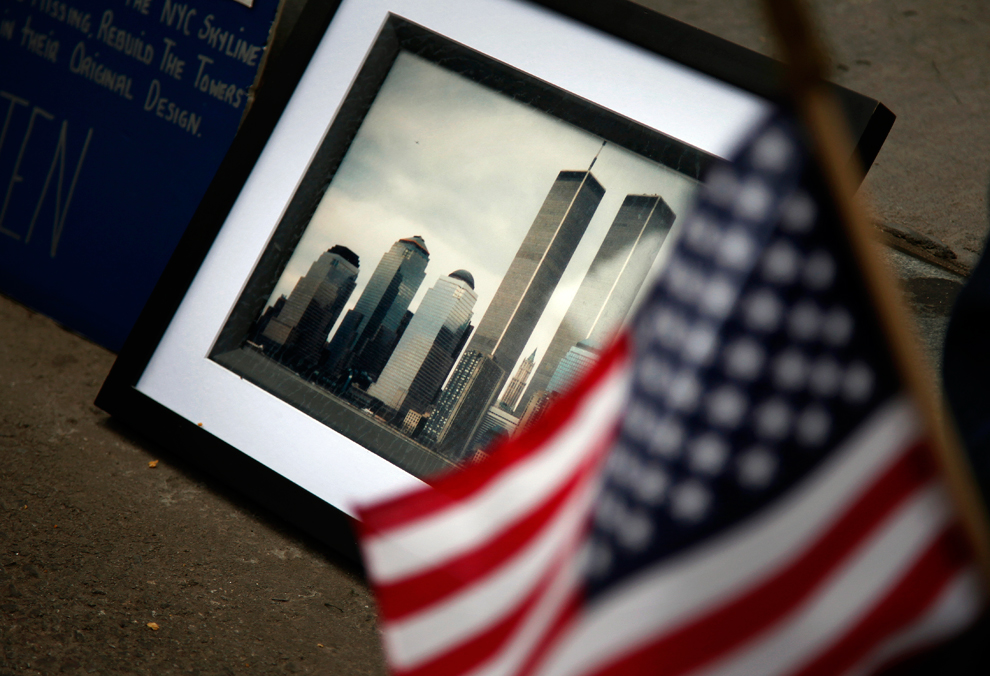
Choose which five (5) photos below you think have the best compositions. Explain why (and what compositional techniques they used) on your blog for each photo you selected. Collection of images from 9/11 from Boston Globe's Big Picture and The Atlantic's In Focus. 


I recognize this may be an emotional topic for some people. If you need an alternate selection of pictures, you may choose the Atlantic's Animals in the News or Boston Globe's Krishna Janmashtami (one or the other, not a pick and mix).


2- Photoshop
Continue working with photoshop.

Whether a beginner or a pro, there's always more you can learn. Everyone should be working in Photoshop.


Learning Photoshop with Tutorial9

If you feel you're ready, try making something!
Try one of these two tutorials:
They are designed for beginners, but I know there will likely be points where you need help. 
Let me know, and I will help you.
Post your results on your blog.

Need more Photoshop Support??
 Check out and use the Lynda.com Video Tutorials (see all photoshop results on Lynda.com), Atomic Learning (use your regular school login), the official adobe website, and adobe tv. There are also plenty of other resources out theres, such as Design Review's learn photoshop in 24 hours, About.com's Photoshop Basics, and Photoshop Essentials just to name a few.

Thursday, September 15, 2011

Multimedia

1- Input/Output Devices
Class Discussion.

2- Icon Project
Continue working with Rome / on your Icon Project.

Possible Helpful Resources:
About Computer Icons
Design Icon: The Mac Icon
A Brief History of Icons
Modern Icon Design
Effective Icon Design (a second link on the same topic)

Wednesday, September 14, 2011

Yearbook

With yesterday's votes... we have a winning theme. Apps will be this year's yearbook theme.


1- Yearbook Position Form
You are not locked into the positions you show interest in. They will be discussed with those interested to see whom will fill the role.


2- Post-it Notes
You need one post-it note. On it, write the five things that you feel are 'must-have' pages in the yearbook. Post it on the board with the collection of other sticky notes. Look over what other people felt were 'must-have' pages, then review your ladder from last class. Is there anything you left out our would want to change?


3- Learning Photoshop
Now that we have a theme, and now that we have the class roster's finally pretty ironed out, we should be able to actually start working on actual projects instead of just daily assignments. Your first task will be to design something that will aid you in your sales and probably your photography assignments as well. In order to do so, you will need to know a bit about Photoshop.


I know some of you are already pretty familiar with Photoshop. That's great. However, you still need to skim through the content, as often people only know the parts of Photoshop they use and not the whole of it. Sometimes they have a different way of looking at it, or a more detailed explanation that may reveal attributes or characteristics you weren't aware of.


Learning Photoshop with Tutorial9

If you feel you're ready, try making something!
Try one of these two tutorials:
They are designed for beginners, but I know there will likely be points where you need help. 
Let me know, and I will help you.
Post your results on your blog.


Need more Photoshop Support??
 Check out and use the Lynda.com Video Tutorials (see all photoshop results on Lynda.com), Atomic Learning (use your regular school login), the official adobe website, and adobe tv. There are also plenty of other resources out theres, such as Design Review's learn photoshop in 24 hours, About.com's Photoshop Basics, and Photoshop Essentials just to name a few.

Tuesday, September 13, 2011

Multimedia


1- Computer Icon Project Specifics


2- Final Rome Tutorial

Try out a tutorial of your choosing: Adobe's Rome Tutorials
You can't choose to redo the first two tutorials you were given, it must be a different one from the list.

Once again, you are welcome to deviate from what the tutorial has you create. You can use different letters, colors, etc; just so long as I can clearly see you were able to use each tool in each step. Don't forgot to cite any photos or images you use (stock photography or public domain only).

While the tutorial is step-by-step; not everything is pictured. If you don't read the text that accompanies the steps, you will get stuck or confused. You'll need to export what you finish as a jpg, png, or gif to be able to upload it onto your blog. 

Monday, September 12, 2011

Robotics

1. Programming Activity
Using extremely simple and specific commands, guide another student (roleplaying as a robot) along a path of another student's design.

2. Continue Working on Jitterbugs

Friday, September 9, 2011

Yearbook

1- Final Vote on the Theme

^ Journal Theme ^


^ Facebook Theme ^

^comic theme^

^app theme^


2- Ladder
Come up with a possible ladder for the yearbook. In groups of three, create a listing of what goes on each page. Turn it in at the end of class.

3- Photo Scavenger Hunt
On your blog, use the internet to find and post photographs that fit the following compositional techniques:
-Fill the Frame
-Repetition
-Symmetry
-Rule of Thirds
-Balance
-Leading Lines
-Depth of Field
-Unusual Angle
-Depth
-Framing